
Best disk optimization software for Windows becomes essential once your PC starts slowing down due to fragmented data. If you’re using a traditional hard drive, file fragmentation can significantly impact system responsiveness and load times. This is where IObit Smart Defrag 11 Pro stands out as a reliable and feature-rich solution.
Designed for modern Windows systems, Smart Defrag Pro goes beyond basic defragmentation by intelligently organizing files based on usage patterns, helping your PC run faster and smoother.
What Is Disk Fragmentation and Why It Matters
When a new hard drive is used for the first time, files are written in continuous blocks. Over time, installing, deleting, and moving data scatters file fragments across the disk.
This fragmentation forces your system to search multiple locations to read a single file, slowing down boot times, app launches, and overall performance.
While Windows includes a built-in defragmentation tool, it lacks the advanced optimization techniques offered by third-party software like Smart Defrag.
About IObit Smart Defrag 11 Pro
IObit Smart Defrag 11 Pro Software is developed by IObit, Smart Defrag 11 Pro is a powerful disk optimization utility designed to maximize hard drive efficiency while maintaining system stability.
Unlike basic defrag tools, it not only rearranges fragmented files but also places frequently accessed data in faster areas of the disk, improving real-world performance.
The software runs quietly in the background and can automatically optimize your drives without interrupting daily usage.
What’s New in Smart Defrag 11
The latest version introduces a redesigned interface optimized for high-resolution and modern displays, making navigation cleaner and more intuitive.
An upgraded defragmentation engine improves HDD optimization while safely trimming SSDs to enhance longevity and performance.
Smart Defrag 11 also includes Windows 11–specific file organization improvements for faster data access and smoother multitasking.
Key Features That Improve Performance
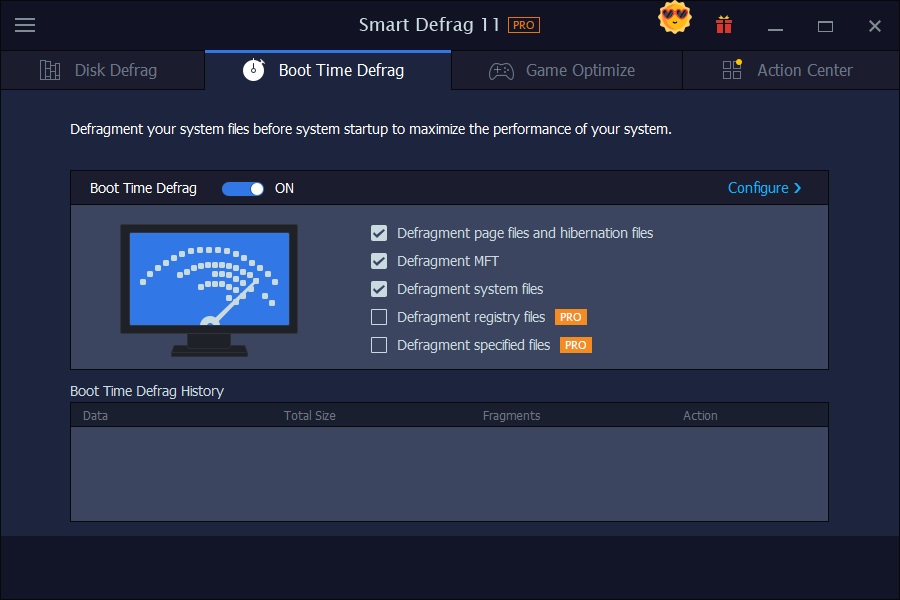
One of the standout features is Boot-Time Defrag, which allows the software to defragment system files and the Windows registry before the operating system fully loads.
This helps free up occupied memory, reduce startup delays, and improve system stability.
Auto Defrag and Scheduled Defrag ensure that your drives remain optimized continuously without requiring manual intervention.
The built-in Disk Health Monitor provides real-time status updates, helping users identify potential drive issues early.
User Interface and Optimization Tools
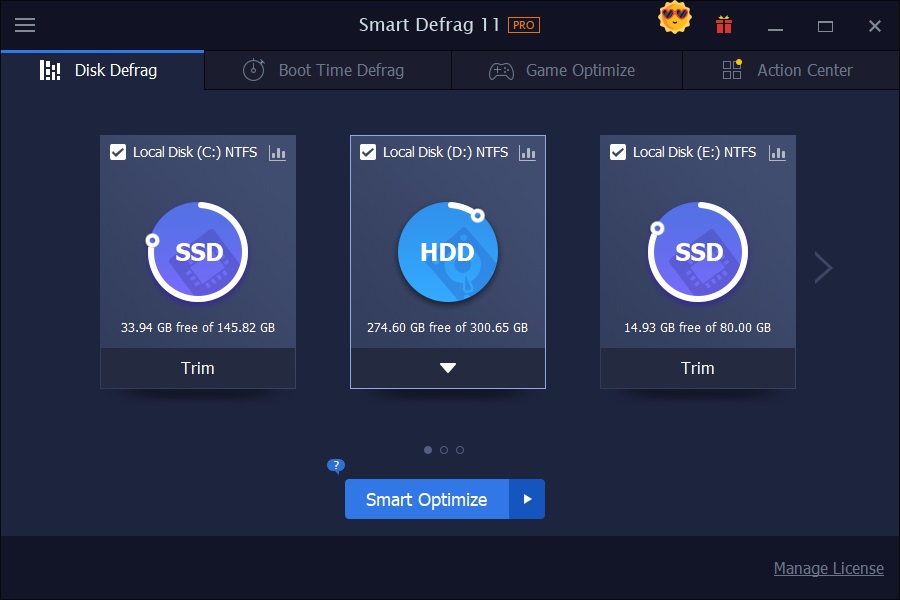
The main dashboard allows you to select target drives and view detailed information such as file system type and free space.
With a single click on the “Smart Defrag” button, the software analyzes your drive and automatically applies the most suitable optimization method.
For HDDs, files are reorganized efficiently, while SSDs are trimmed instead of traditionally defragmented to avoid unnecessary wear.
Game Optimize and Advanced Defrag Options
Smart Defrag 11 Pro includes specialized tools like Large Files Defrag and Game Optimize.
Game Optimize improves loading times by placing game-related files in faster disk areas, making it especially useful for gamers using HDD-based systems.
The software can also defragment files that are normally locked during system operation, further enhancing overall responsiveness.
Why Smart Defrag Is a Strong Windows Tool
Overall, IObit Smart Defrag 11 Pro is a capable alternative to the default Windows disk defragmenter.
With intelligent automation, performance-focused algorithms, and beginner-friendly controls, it helps extend the usable life of HDDs while keeping Windows systems running efficiently.
How to Get IObit Smart Defrag 11 Pro Free License
Follow these steps to activate Smart Defrag 11 Pro:
- Download the latest Smart Defrag installer from the official IObit website.
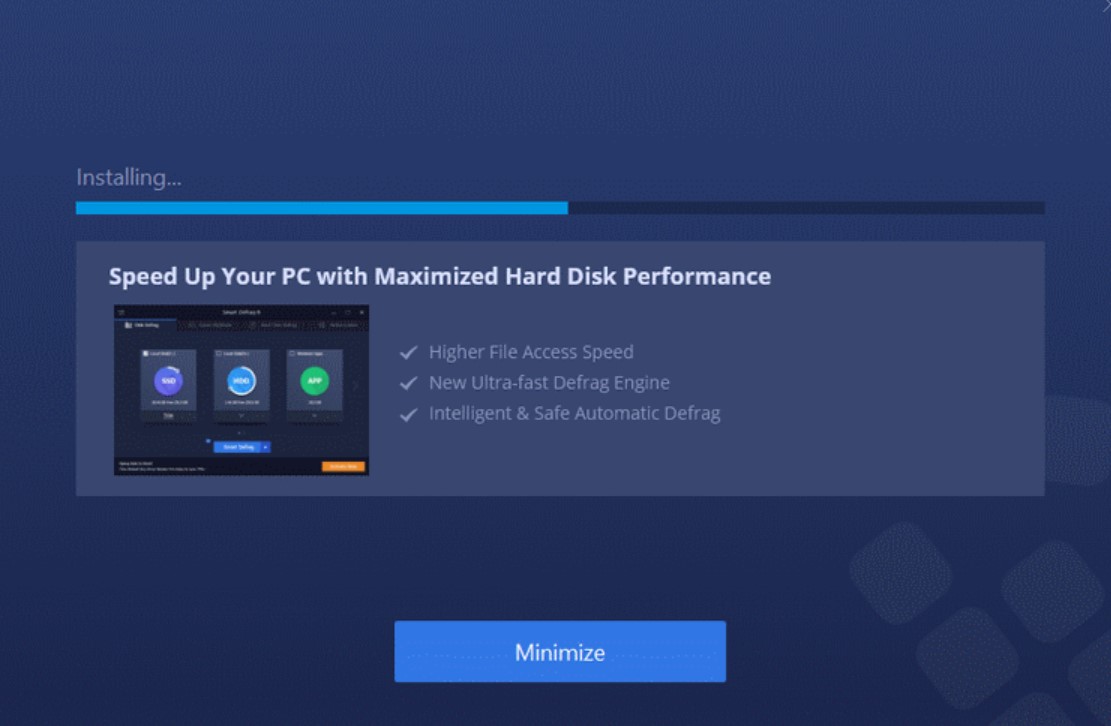
- Run the installer and complete the setup process.
- During installation, select “Skip” or “No thanks” to avoid bundled extras.
- Launch the program and click “Enter Code” below the Activate button.
- Enter a valid license code and register.
Always download installers from official sources to avoid modified or unsafe files.
FAQs
Q. What is the best disk optimization software for Windows?
A. Smart Defrag 11 Pro is considered one of the best options due to its intelligent file placement, automation, and system-friendly design.
Q. Does Smart Defrag work on SSDs?
A. Yes, it safely trims SSDs instead of defragmenting them, which helps maintain performance and durability.
Q. Is Smart Defrag better than Windows Defragmenter?
A. It offers more advanced features, automation, and optimization strategies compared to the built-in Windows tool.
Q. Can Smart Defrag run automatically?
A. Yes, Auto Defrag and Scheduled Defrag allow continuous optimization without manual input.
Q. Should I disable bundled software during installation?
A. Yes, it’s recommended to untick optional offers to keep your system clean.